Custom Software vs SaaS
Compare configurable software and custom development based on workflow fit, speed, ownership, and growth needs.
Key takeaways
What to remember
- Use configurable software when the workflow is standard and speed matters most.
- Choose custom development when the workflow creates meaningful operational advantage.
- Make the decision from a workflow audit, not from a technology preference.
01
Start with the operating requirement
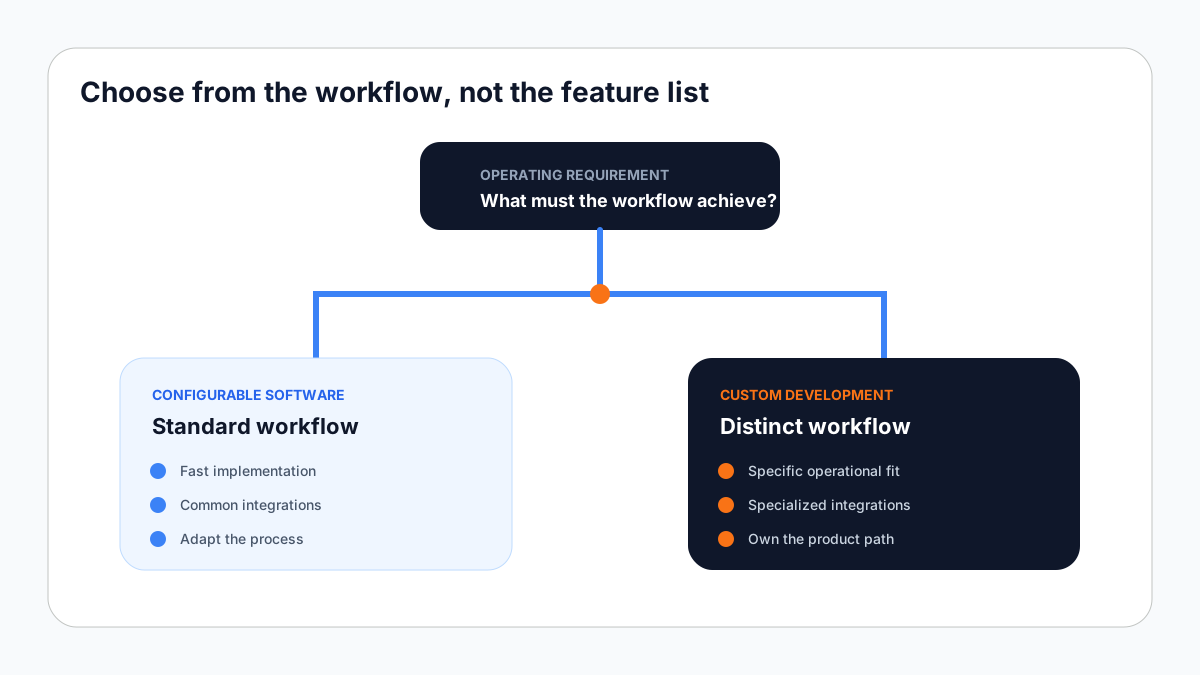
The useful question is not whether custom software or a configurable product is generally better. The useful question is which approach fits the workflow, timeline, budget, and long-term operating model.
A clear workflow audit prevents teams from choosing software based only on feature lists or initial impressions.
Implementation checklist
- How standard is the workflow?
- Which integrations are essential?
- How quickly must the system launch?
- Who will own future changes?
02
Choose configurable software for speed
A configurable product is often the practical choice when the process is common, the available workflow is acceptable, and implementation speed matters most.
The tradeoff is adaptation. Teams may need to adjust parts of their process to match the product.
Implementation checklist
- Standard operating process
- Limited custom reporting
- Common integrations
- Fast implementation priority
03
Choose custom software for workflow fit
Custom development becomes valuable when the workflow, integrations, permissions, or reporting model is specific to the organization.
The tradeoff is responsibility. Custom systems require clearer product ownership, implementation planning, and long-term support.
Implementation checklist
- Distinct operational workflow
- Specialized integrations
- Specific access model
- Long-term product ownership
04
Use a practical decision process
Compare approaches against the same operational requirements. This keeps the decision grounded in outcomes rather than technology preference.
- 1Map the required workflow
- 2Separate essential and optional capabilities
- 3Compare implementation and ownership costs
- 4Select the approach with the strongest operational fit
Related service
Custom CRM Development
Build a CRM around the way your team captures opportunities, follows up, manages relationships, and reviews performance.
Continue reading
Related practical guides
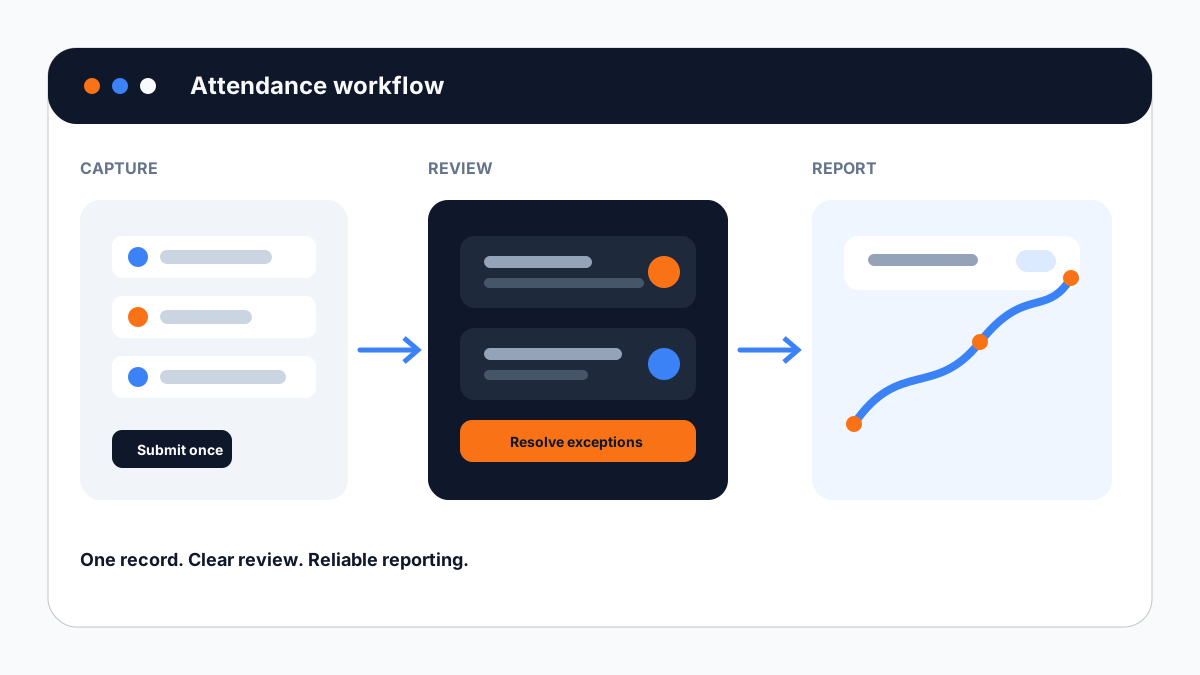
How Institutions Can Automate Attendance Management
A practical guide to replacing repeated attendance entry with a connected review and reporting workflow.
Read practical guide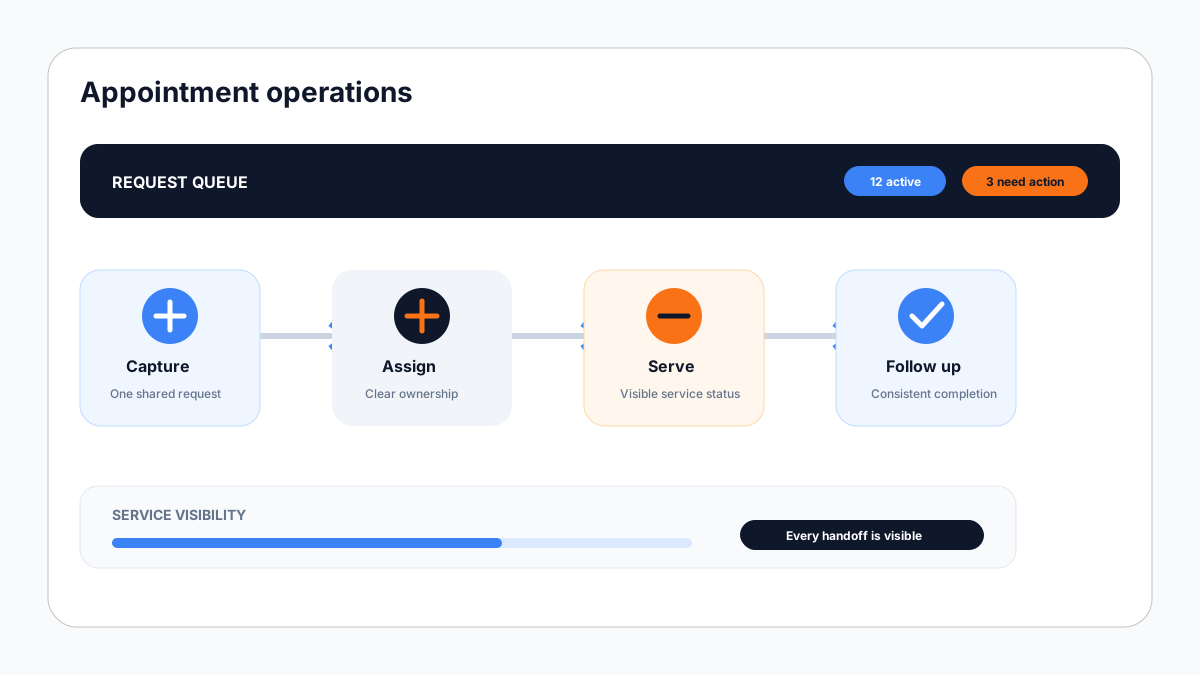
Common Workflow Problems in Appointment-Based Organizations
Understand where appointment workflows lose time and how structured automation improves coordination.
Read practical guide